Corporate Training · New
Vibe Coding You Can
Use at Work Immediately
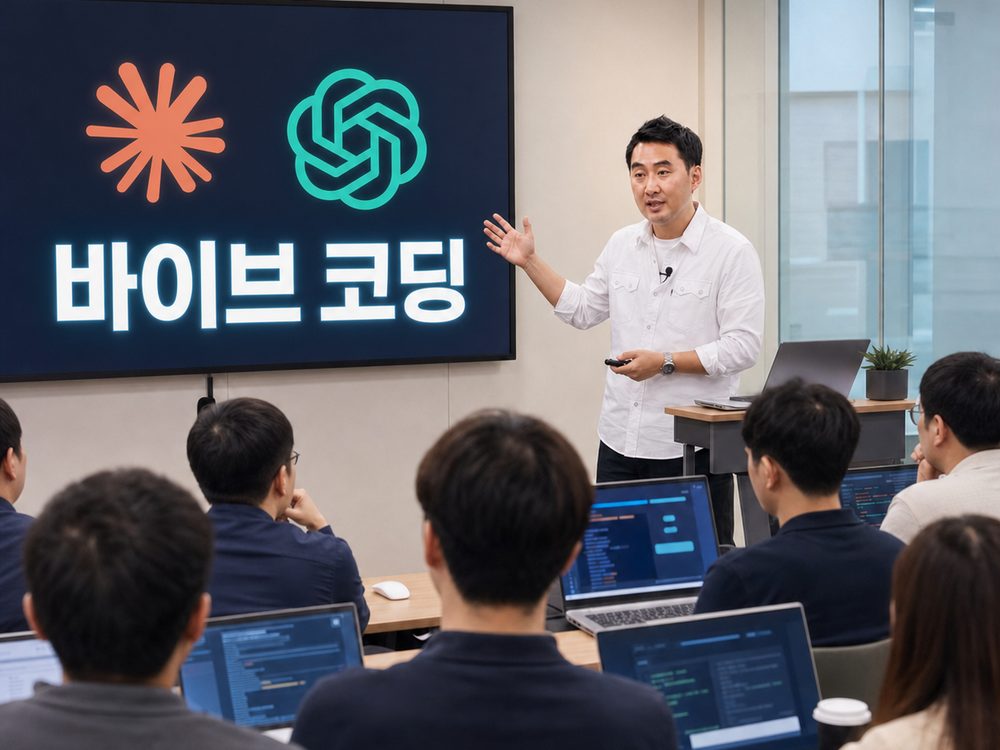
A 16-hour (2-day) hands-on course where you build a website, digital business card, email signature, and task automation yourself with Claude and Codex. No coding background needed — just talking with AI (vibe coding) is enough to walk away with deliverables you can use at work right away.
Who this is for
You've heard of the tools, but never turned them into a visible result in your own job.
You'd rather build and edit your own website, business card, and signature than hand them to someone else.
You want to automate repetitive tasks like document writing and data organizing so you can focus on what matters.
Curriculum
| Part | Time | Module | Content | Format |
|---|---|---|---|---|
| M1 | 2h | Vibe coding concepts & setup | Understanding vibe coding (building code through conversation alone), account/environment setup, checking what you need | Lecture |
| M2 | 2h | Building a website skeleton with Claude | Generating an intro webpage with prompts (instructions given to AI), shaping the structure and copy | Hands-on |
| M3 | 2h | Finishing and deploying the website | Adjusting design, adding images, deploying (publishing live on the web) | Hands-on |
| M4 | 2h | Adding features with Codex | Using Codex (OpenAI's coding tool) to add a contact form or simple features | Hands-on |
| M5 | 2h | Building a digital business card | Creating a QR/link-based digital business card and connecting your contact info | Hands-on |
| M6 | 2h | Building an email signature | Creating and applying an HTML (web document language) email signature | Hands-on |
| M7 | 2h | Automating repetitive work | Automating repetitive tasks such as document writing and data organizing | Hands-on |
| M8 | 2h | Applying and extending at work | Case examples by department/role, an extension roadmap, and Q&A | Discussion |
Total training time: 16 hours (2 days) · Timing can be adjusted based on audience and goals.
Module details
Learn the concept of vibe coding — creating deliverables through conversation with AI alone, no coding knowledge required — and prepare your hands-on environment. Check what you need beforehand (paid ChatGPT/Claude accounts, two photos of yourself, a company profile document) and set your own target deliverable.
Ask Claude in plain sentences for what you want, and build the basic structure of your own introduction webpage. Use your company profile and personal information as raw material to refine the copy and layout.
Polish colors, images, and the mobile view to raise the finished quality, then deploy (publish live) to a real web address. Walk away with a page you can link from your business card and email the moment you finish, and review the instructor's own live site as a working example.
Use Codex (OpenAI's coding tool) to add a contact form or simple feature to your website. Get a feel for how Claude and Codex differ, and when to reach for each.
Build a digital business card that replaces paper cards, and connect it to a QR code and link. Build alongside the instructor's own digital business card as a working example.
Create a professional email signature with your name, title, contact info, and links, and apply it to a real email account. Adapt the format to match your company's standards.
Practice automating the document writing and data organizing you repeat every day using AI. Pick a recurring task from your own job and build an automation example for it.
Map out how to bring vibe coding into your own role (planning, sales, operations, marketing, etc.) and set an extension roadmap, so you can keep building your own deliverables after the course ends.
What to bring
- Paid ChatGPT / Claude accounts (the AI tools used in the hands-on sessions)
- Two photos of yourself (used in the website and digital business card)
- A company profile document (raw material for the webpage copy and structure)
Need a vibe coding course tailored to your organization?
We adjust the curriculum to your audience, available time, and target deliverables. The default is 2 days / 16 hours, but a special-lecture or shortened format is also available.
Get a Quote